


Mastering DSE and ergonomics assessments masterclass
In today's hybrid work environment, workstation safety is crucial. Display Screen Equipment (DSE) and ergonomics assessments optimize productivity and well-being. Our masterclass helps you integrate these assessments seamlessly into your workplace.
Key themes covered:
- Legal compliance: DSE assessments prevent health issues from poor workstations and meet legal requirements.
- Productivity: Properly arranged workstations reduce strain and improve focus.
- Cost savings: Ergonomics reduce costs from absenteeism and injuries.
- Remote work: Remote DSE assessments ensure proper workspace setup anywhere.
What is ergonomics?
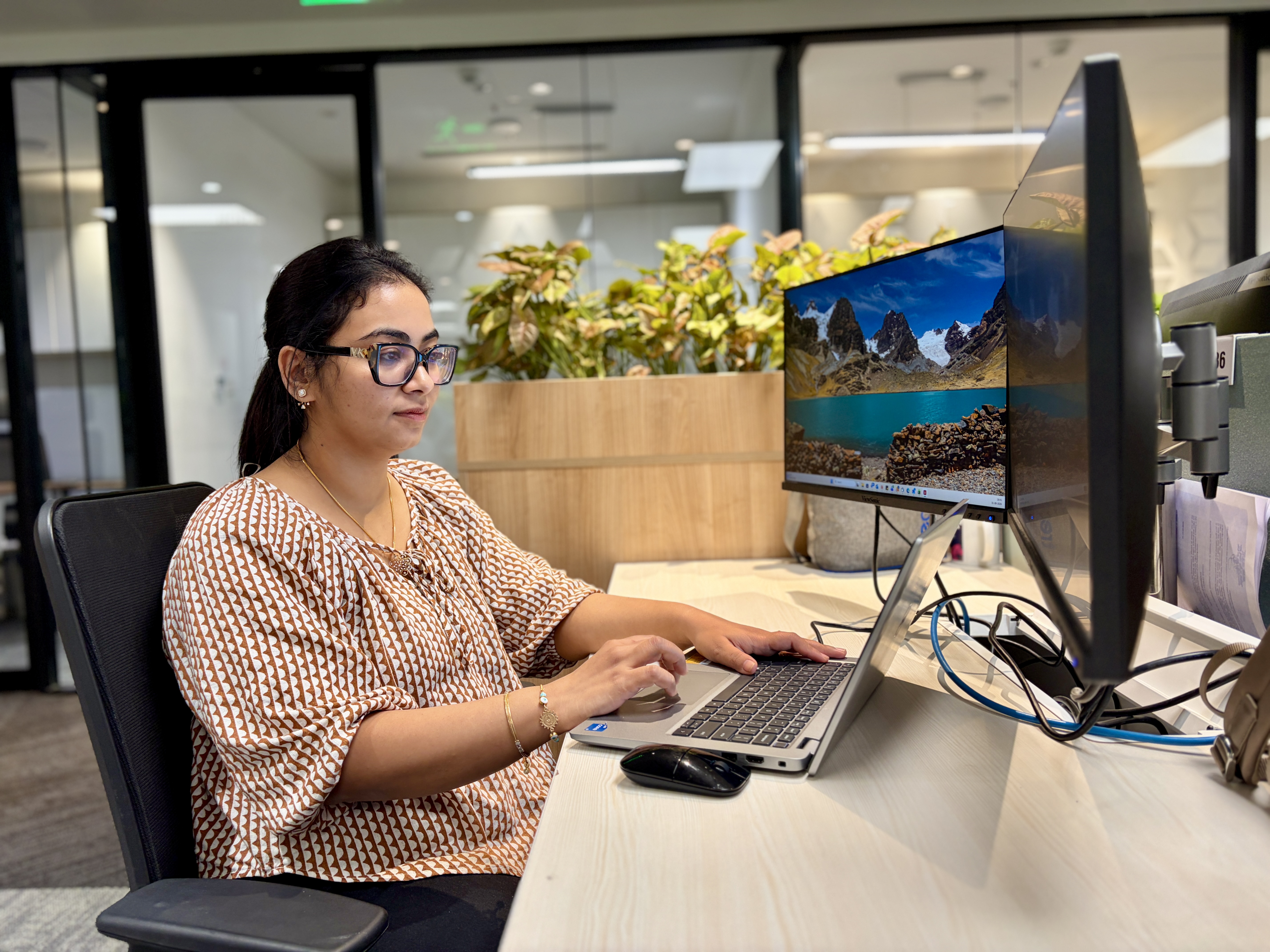
Ergonomics is the science of designing work, equipment and workspaces to fit the people who use them. The aim is to reduce strain, prevent injury and improve comfort and productivity.
Main ergonomic risk factors
These are the factors most likely to cause discomfort or injury at work.
Repetition
Repeating the same movements, such as typing or clicking, can cause strain in the hands, wrists and arms.
Posture
Sitting or standing in awkward or fixed positions for long periods puts strain on the back, neck and shoulders.
Force
Lifting, pushing, pulling or gripping with too much effort can injure muscles and joints.
Workstation set-up
A poorly arranged chair, desk, screen, keyboard or mouse makes the other risks worse.
What is DSE, and what does an assessment involve?
DSE stands for display screen equipment. It covers devices with a screen, such as desktop computers, laptops and tablets, that people use for work. A DSE assessment is a check of a person’s workstation and how they use it. It looks at the screen, keyboard, mouse, chair, desk, lighting and surroundings, as well as how long the person works without a break. Any risks are noted, actions are agreed, and the assessment is reviewed when something changes.
Key regulations
In the UK, the Health and Safety (Display Screen Equipment) Regulations 1992 require employers to assess the workstations of regular DSE users, meaning people who use DSE daily for an hour or more at a time. Employers must also reduce the risks found, plan breaks or changes of activity, provide eye tests on request, and give users information and training. Other countries have their own rules. In the US, for example, OSHA has no specific DSE standard, but it can cite ergonomic hazards under the General Duty Clause.
Read more: What is a DSE assessment? Guide for employers
Correct as of 11 November 2026.
Optimize workplace wellbeing
Unlock the essential skills and tools needed to conduct effective DSE and ergonomic assessments with our comprehensive masterclass. Dive into the world of workplace safety and productivity, learning how to navigate regulatory requirements and implement best practices.
From understanding legal obligations to utilizing software solutions, our expert-led masterclass will empower you to create safer, more ergonomic work environments for your team.
Maximizing workplace safety and efficiency
Discover the key insights covered in our DSE and ergonomics assessments masterclass

Financial benefits and injury prevention
Discover the economic advantages of investing in ergonomic practices, leading to decreased absenteeism and workplace injuries.

Ensuring compliance and workplace safety
Learn effective strategies to navigate global regulations, ensuring adherence to DSE and ergonomic assessment standards.

Boosting productivity through workspace optimization
Explore practical methods to enhance productivity by optimizing workstations, reducing physical strain and discomfort.

Adapting to remote work environments
Gain valuable insights into conducting DSE assessments remotely and seamlessly integrating software solutions.
Understand the challenges and unlock the solutions
Discover the secrets to unlocking peak productivity and well-being in your workspace.